TTS-STUDIO
◈ Economy
ShopForge
Shops you edit and reload with players online
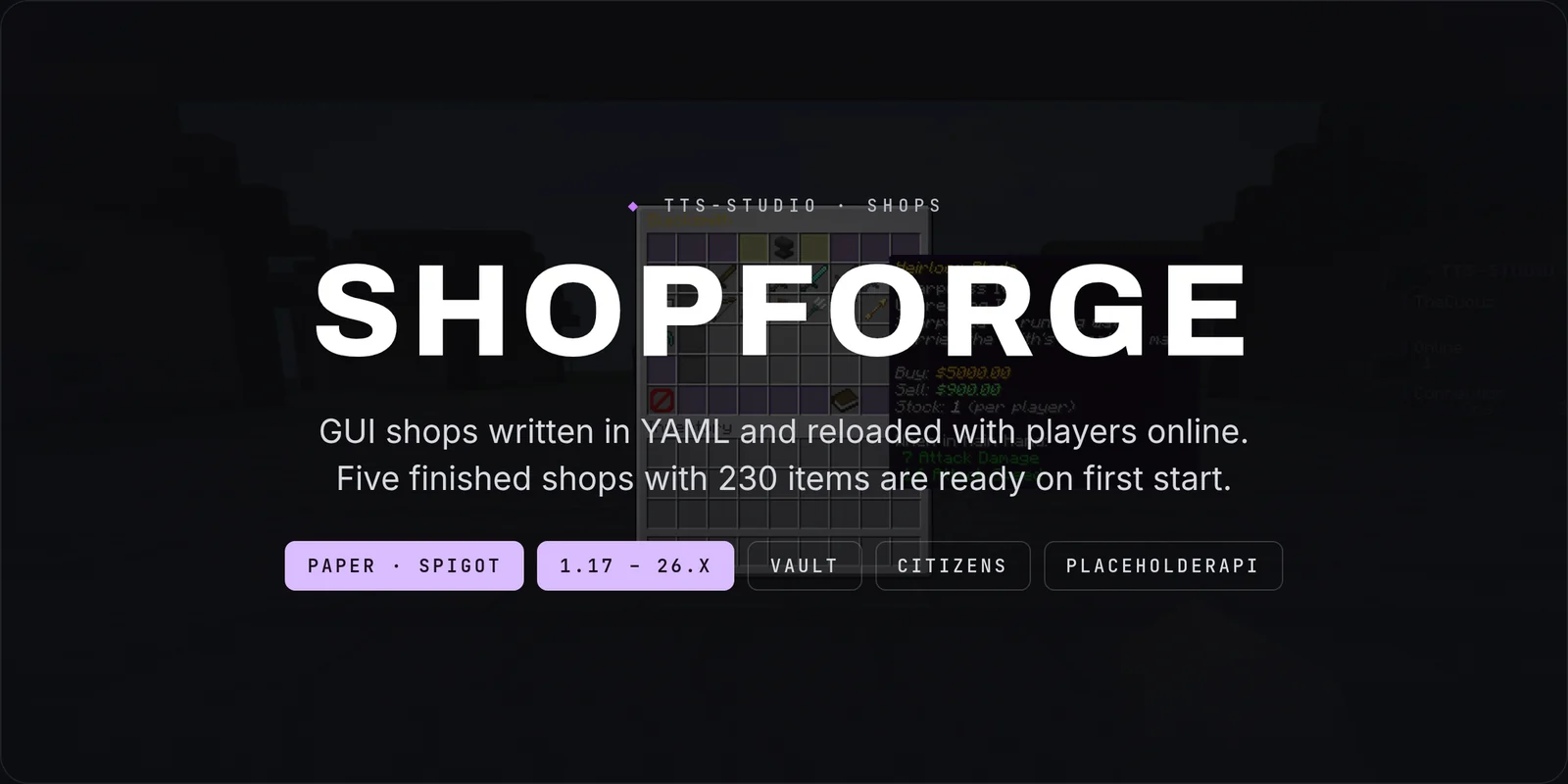
ShopForge is a shop plugin for Paper 1.21.x where every shop is a file you can edit and reload with players online, every price is yours to set both ways, and every transaction ends up in a log you can read in game.

WHY SHOPFORGE
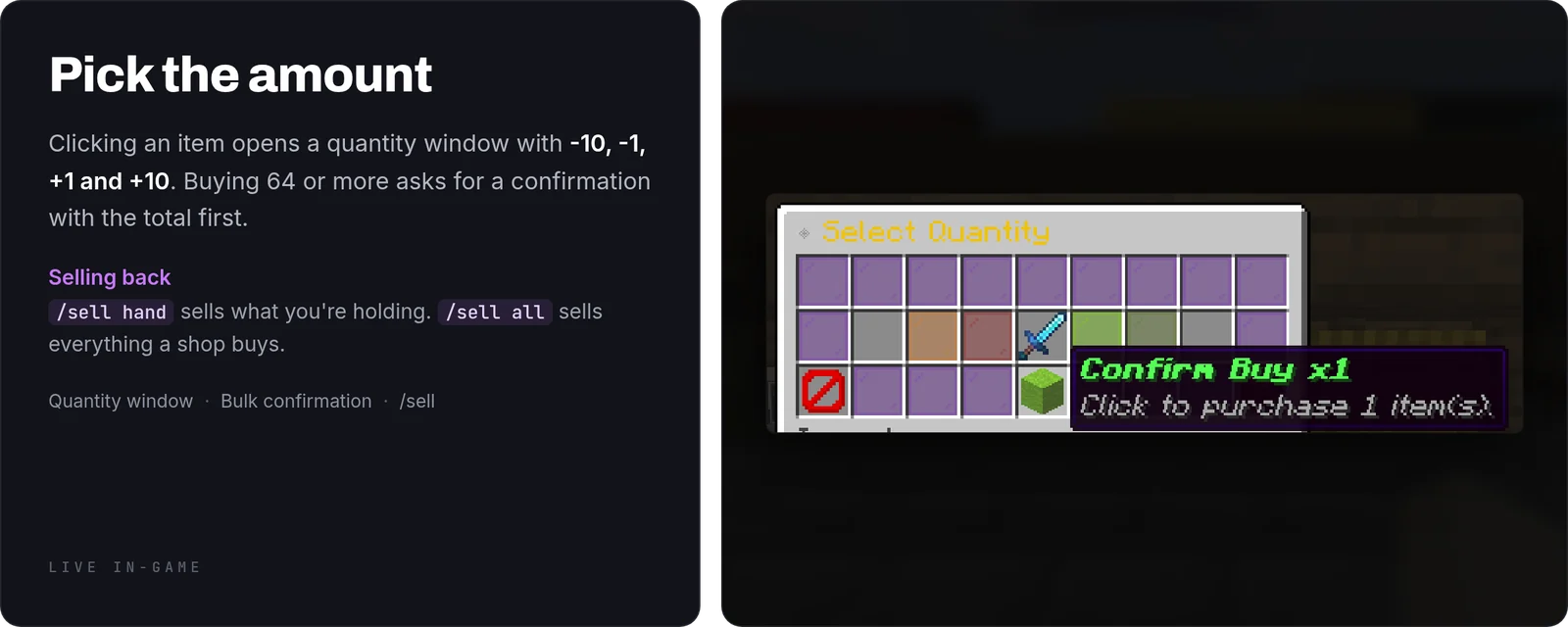
- Bulk buying asks first. Above a threshold you choose, a confirmation window shows the total before any money moves. That one screen is the difference between a shop and a refund ticket
- Every transaction is logged. Who bought what, when, and for how much, browsable in game per player. When somebody says they were charged twice you can check instead of guessing
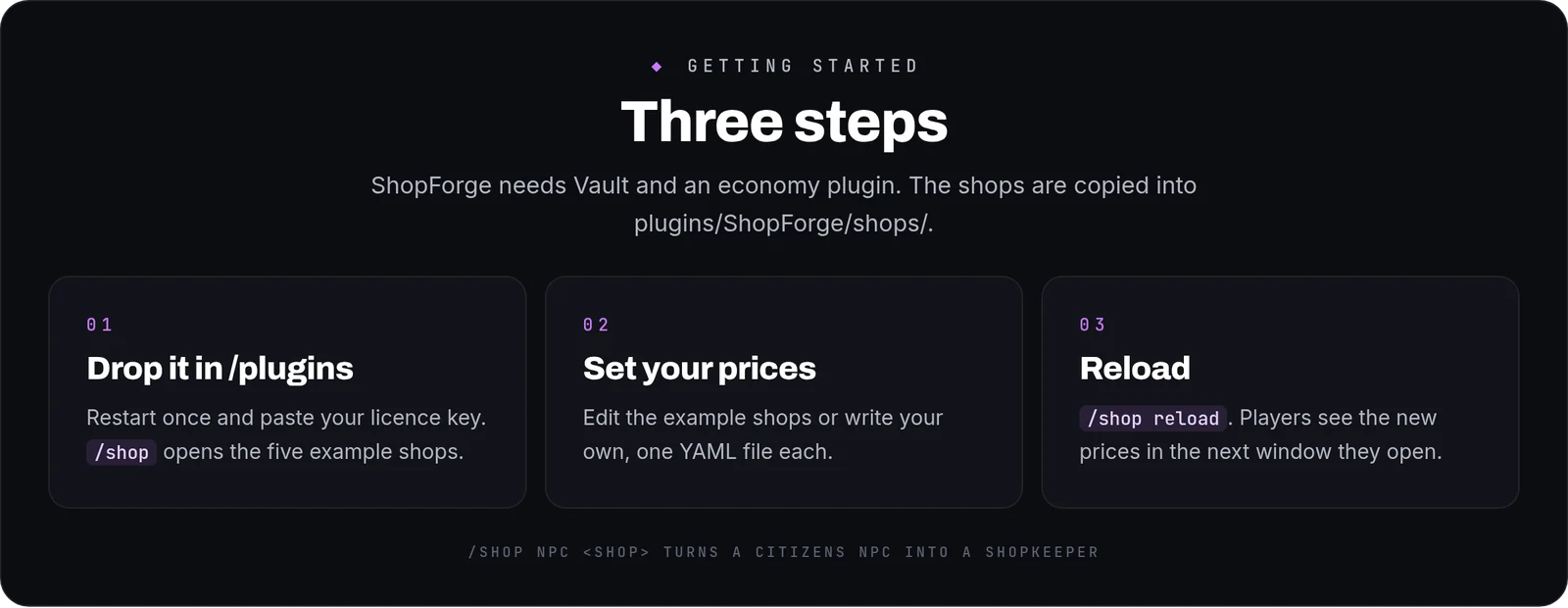
- Shops reload in place. Change a price, run one command, and the next window a player opens has the new price. No restart, no kick, no maintenance window
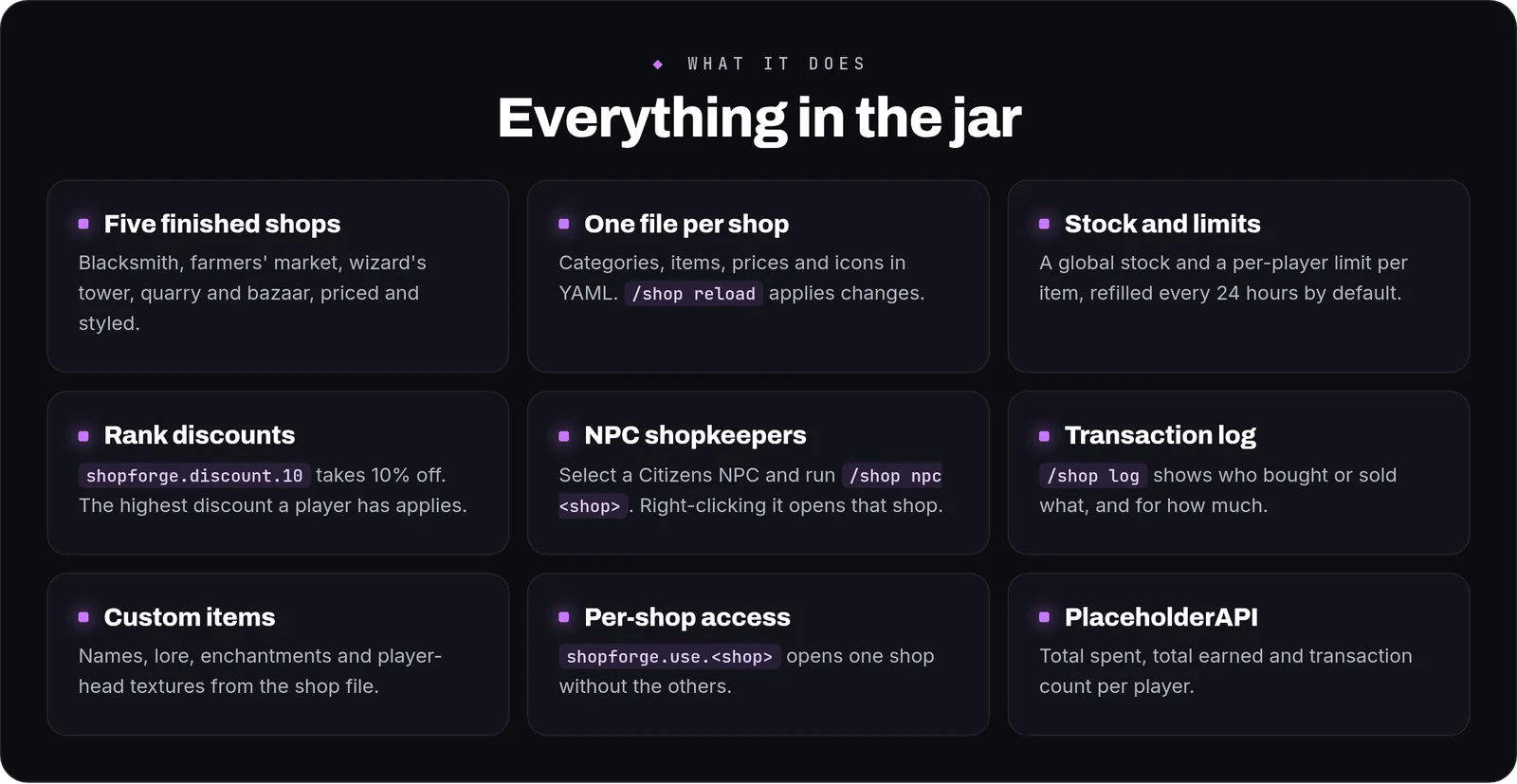
- It works before you configure anything. Five priced, styled demo shops are written on first start — blacksmith, farmers' market, wizard's tower, quarry and bazaar. Edit them or delete the ones you do not want
- Stock can be finite. Global caps and per-player limits turn a shop into an economy sink instead of an infinite tap, and both are optional per item
- Ranks can get discounts. A permission node grants a percentage off at checkout; if a player has several, the biggest one applies, so your donor tiers need no extra plugin
WHAT YOU GET
- Shops as YAML files — one file per shop, any number of shops, reloadable with players online
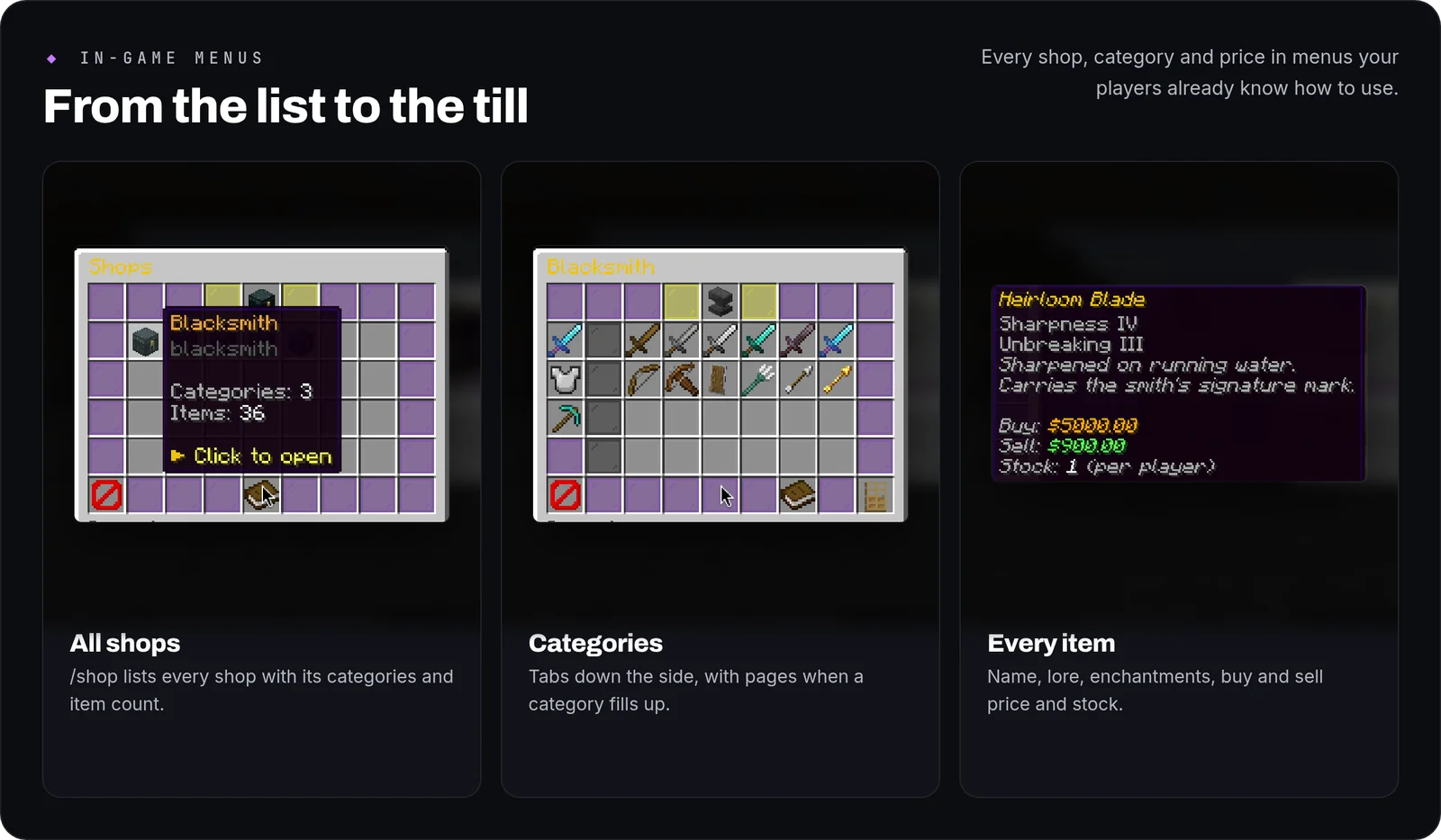
- Unlimited categories — a scrollable tab strip down the side, four visible at a time, so a shop with twenty categories still navigates
- Automatic pagination — a category over 28 items grows pages with previous and next controls on its own
- Buy and sell prices per item — both defined in the same place, so they can never drift apart
- Sell from the hand or the whole inventory —
/sell handand/sell all, and/sell allcan be scoped to one shop's price list - Stock and quotas — a global stock count and a per-player purchase limit, either or both, per item
- Bulk-buy confirmation — threshold set in the config, 64 by default, or switched off entirely
- Permission discounts —
shopforge.discount.<n>takes n% off buy prices; with several nodes, the highest one wins - Citizens shopkeepers — select an NPC, type
/shop npc <shop>, and right-clicking it opens that shop - Transaction log — paginated buy and sell history, filterable by player
- Item detail — enchantments, custom names, lore and per-category icons, all from the shop file
- Staff item grants — hand any shop item to a player straight from the console or in game
- PlaceholderAPI — total spent, total earned and transaction count, for scoreboards, TAB or chat
- English and Spanish included, and every string a player reads lives in
messages.ymlin MiniMessage format
WRITING A SHOP
A complete shop, with a category and three items. Drop it in the folder and reload:
HOW IT PLAYS
A player types /shop and lands in the default shop with your categories down the side. They click through to Produce, shift-click the wheat to buy a stack, and a confirmation tells them what it will cost before the money leaves. Later they come back with full pockets and run /sell all to empty them at your prices. You raise the price of wheat in the file, run the reload command, and the next window has the new number — nobody was kicked and nothing restarted.
CONFIGURATION
shops/— one YAML file per shop: categories, items, buy and sell prices, stock, quotas, icons and display namesconfig.yml— licence key, the bulk-buy confirmation threshold, log retention and which integrations are enabled, every key with a comment beside itmessages.yml— every string a player reads, so you can reword or re-colour the plugin without touching anything else
COMMANDS AND PERMISSIONS
/shop·/shop <id>·/shop list [page]·/sell hand·/sell all [shop-id]/shop log [player] [page]·/shop give <player> <itemid>·/shop reloadshopforge.usedefaults to everyone;shopforge.admindefaults to operators;shopforge.discount.<n>is granted to whichever ranks you want- Every node is declared in
plugin.yml, so your permissions plugin lists them all
Commands
| Command | What it does |
|---|---|
/shop | Open a shop or admin subcommands |
/sell | Sell item in hand or entire inventory |