TTS-STUDIO
◈ Cosmetic
ParticleForge
Effects you compose in a file, not in Java
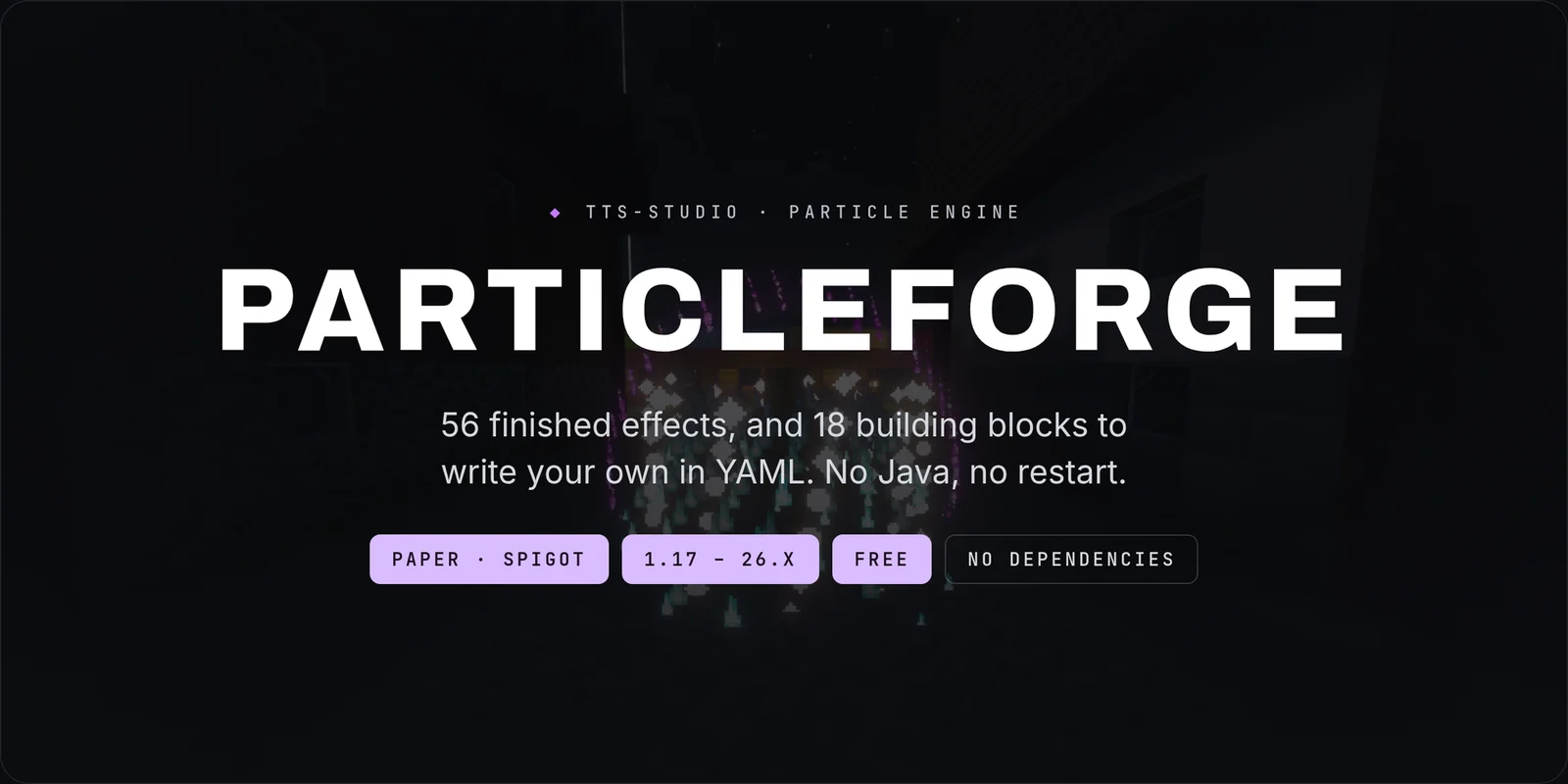
ParticleForge is a particle effect engine for Paper and Spigot, 1.17 to 26.x. Fifty-six finished effects you can play immediately, and eighteen building blocks to compose your own in a YAML file — no Java, no restart.

WHY PARTICLEFORGE
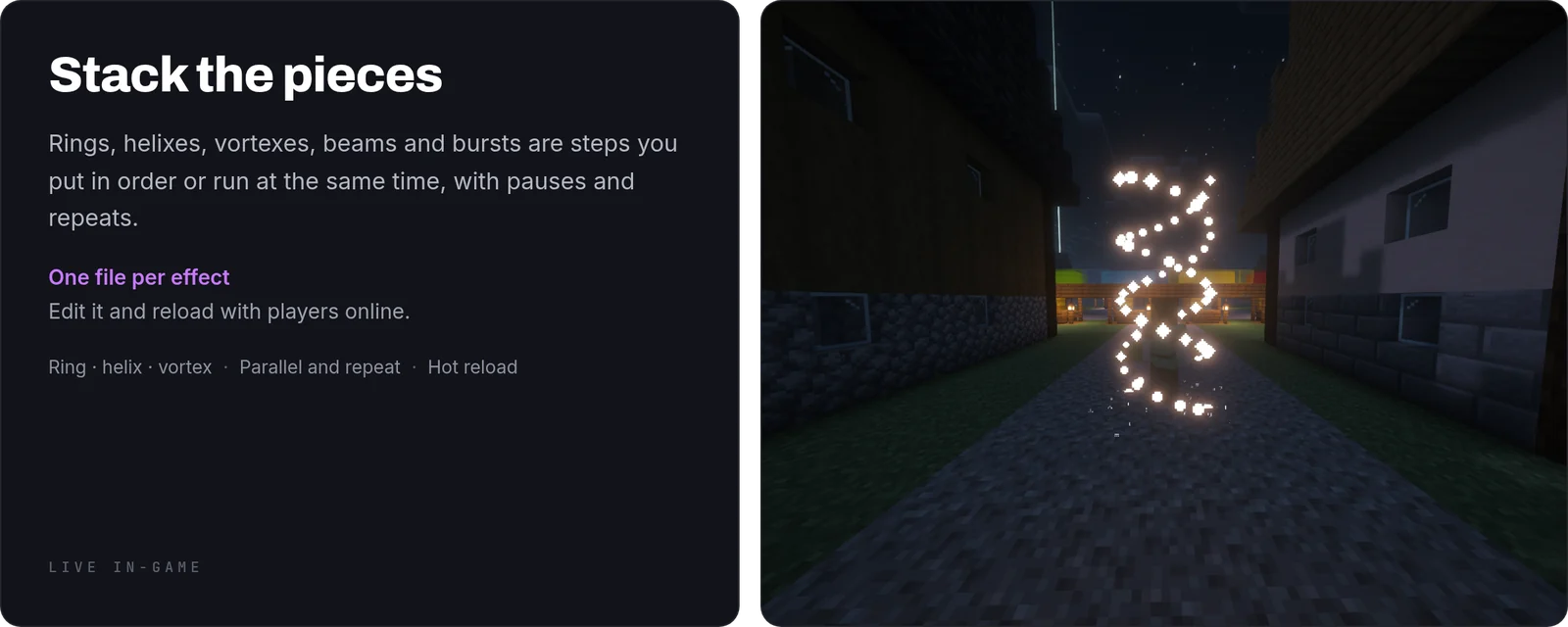
- You compose effects, you do not code them. Rings, spirals, beams, helixes, bursts and cones are pieces you stack in a file, in sequence or at the same time. A new effect is a text edit and a reload
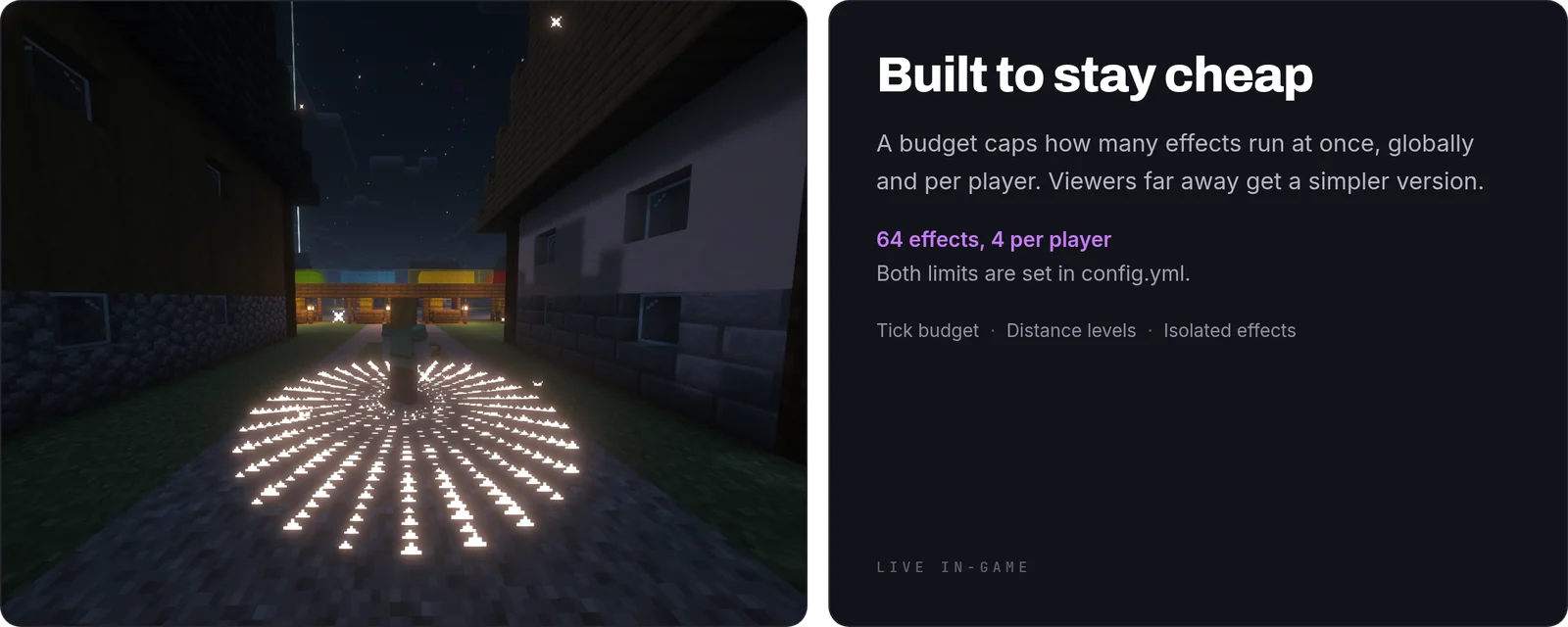
- It has a budget and it keeps to it. There is a cap on how much work particles are allowed to do per tick, globally and per player, so an ambitious effect cannot take the server down with it
- Distance costs less. Faraway viewers get a simplified version, and players who cannot see the location are not processed at all
- One broken effect does not break the rest. Each running effect is isolated, so a mistake in one file does not stop the others or spam your console into the ground
- Other plugins can use it. There is a clean API, and plugins that ask for it and do not find it simply carry on without effects rather than failing to start
WHAT YOU GET
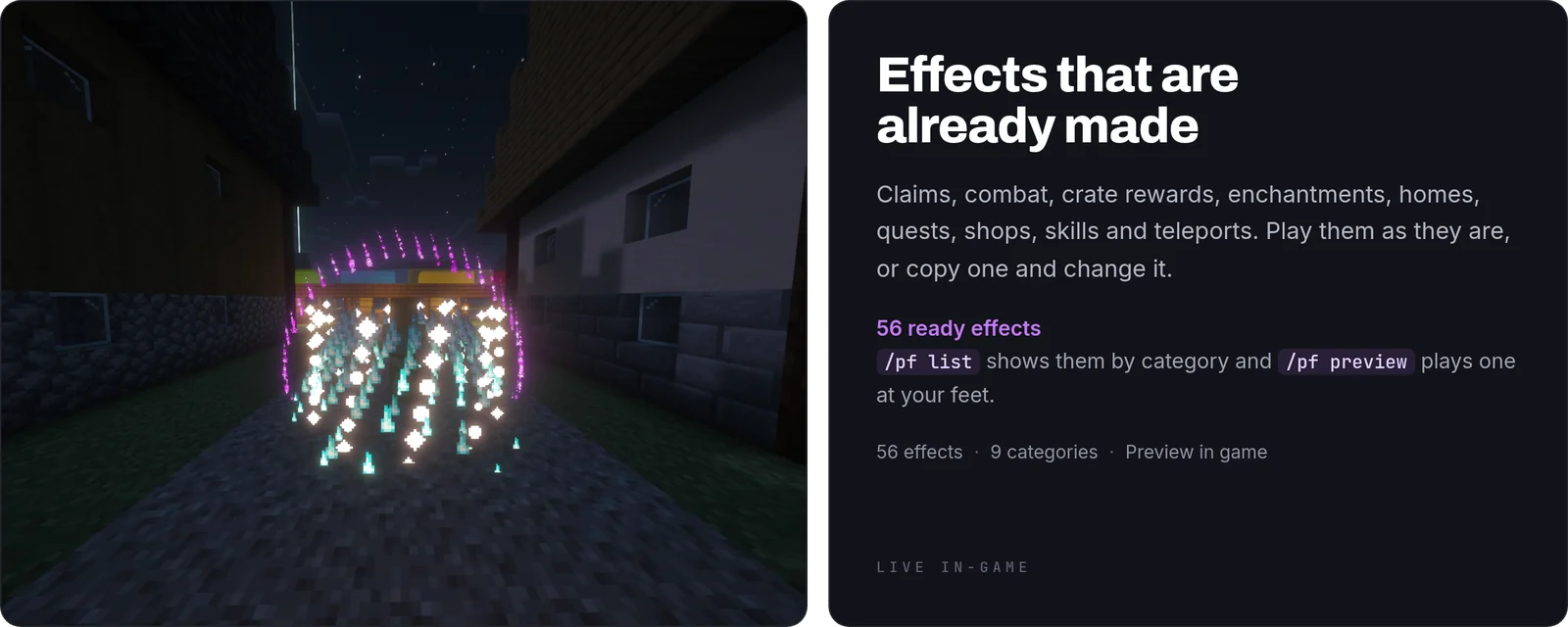
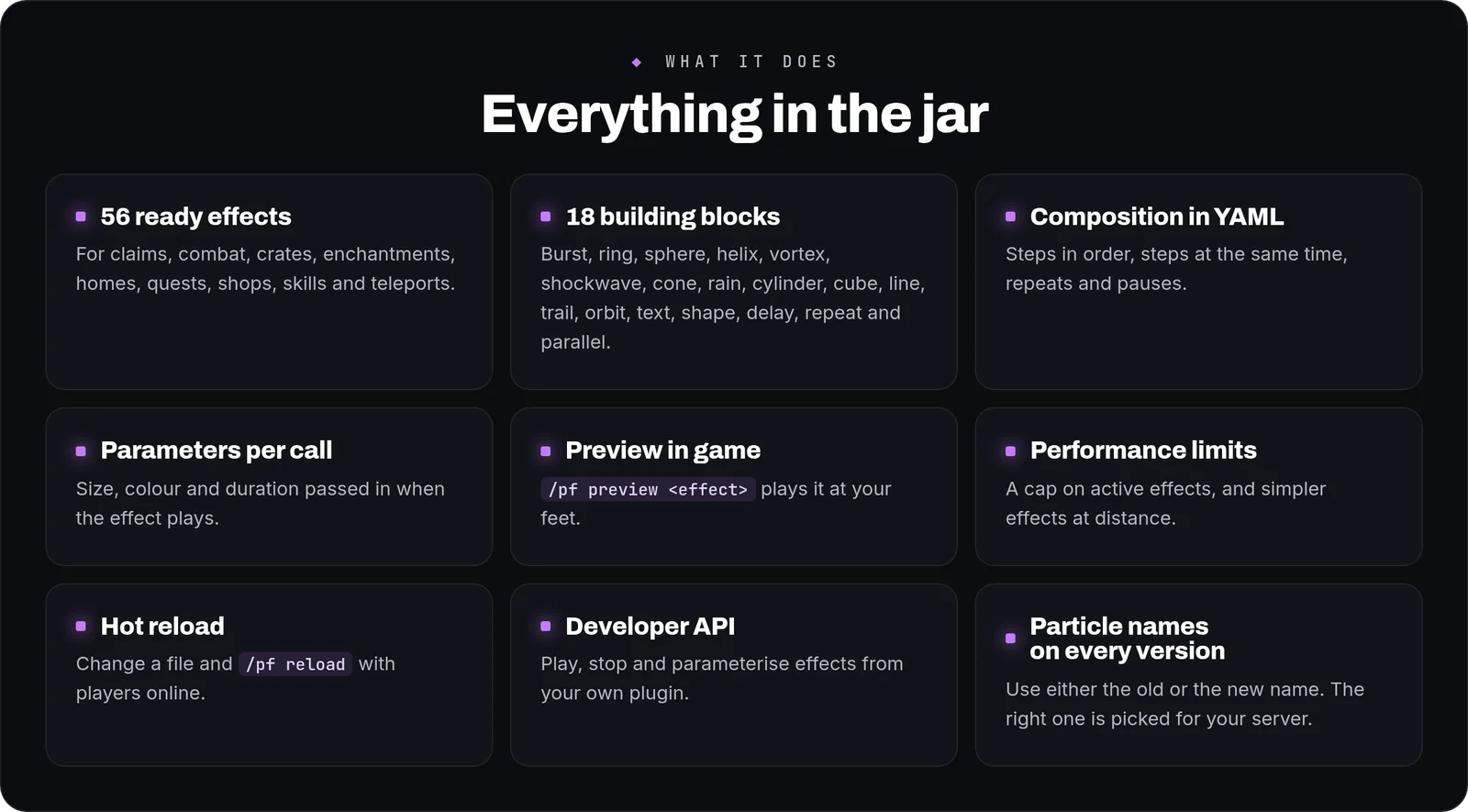
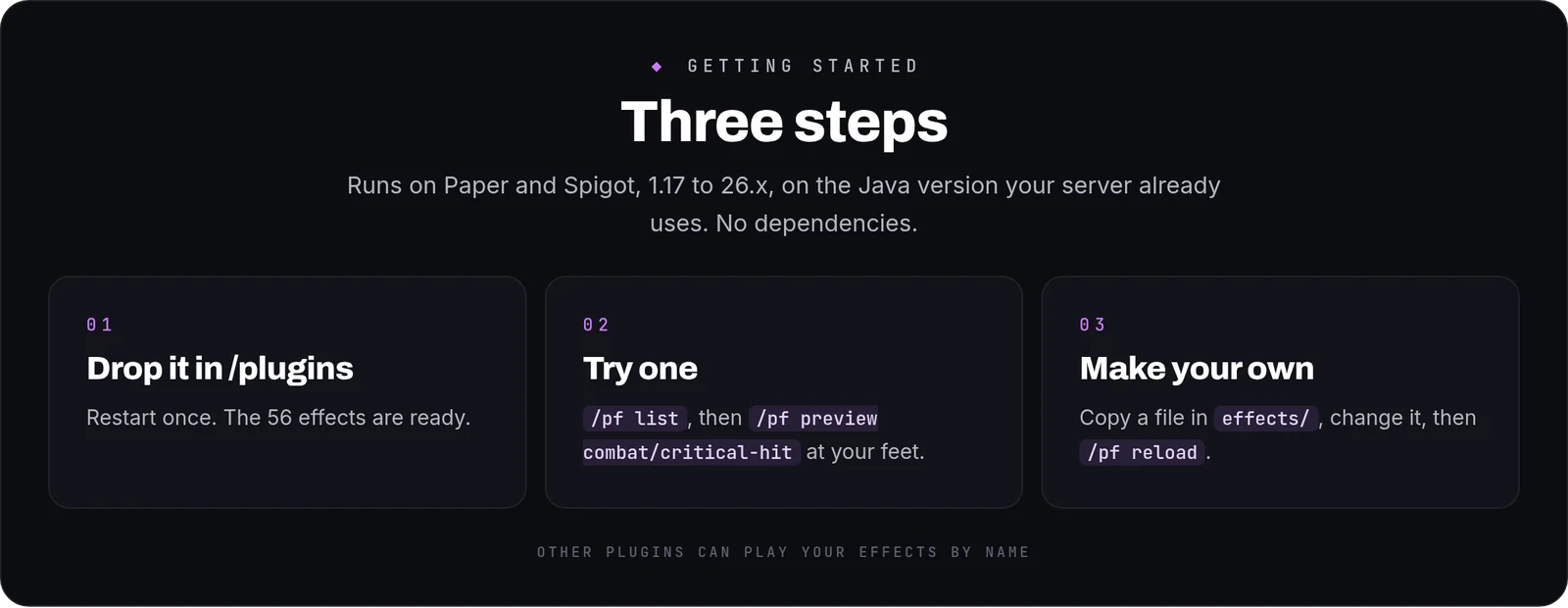
- 56 ready effects — for claims, combat, crate rewards by rarity tier, enchantments, homes, quests, shops, skills and teleports. Play them as they are or copy them as a starting point
- 18 building blocks — burst, ring, sphere, helix, vortex, shockwave, cone, line, trail, orbit, text, shape, delay, repeat, parallel and more
- Composition in YAML — steps in order, steps at the same time, repeats and pauses, all declared
- Parameters per call — size, colour and duration passed in when the effect is played, so one file covers many uses
- Preview in game — play any effect at your feet to see it before you wire it to anything
- Performance controls — per-player and global tick budgets, simplified rendering at distance and viewer filtering
- Hot reload — change a file and reload with players online
- Developer API — play, stop and parameterise effects from your own plugin, with a fluent builder if you would rather not write YAML
- English and Spanish included, and every string a player reads lives in
messages.ymlin MiniMessage format
HOW IT WORKS IN PLAY
You want a spiral of colour when somebody claims land. You copy the closest of the fifty-six effects, change its colour and its radius, reload, and preview it at your feet until it looks right. Then you point your own plugin at it by name. On a Friday night with two hundred players online, the budget keeps that effect from becoming everybody's lag.
WRITING AN EFFECT
A complete effect: a ring and a vortex that climbs through it at the same time, then a burst of fireworks.
[CODE=yaml]
name: claims/claim-marker
category: claims
steps:
- id: marker
type: PARALLEL
steps:
- id: ring
type: RING
duration: 40
params:
particle: END_ROD
radius: 1.5
points: 24
- id: climb
type: VORTEX
duration: 40
params:
particle: DUST
color: "#4FA3FF"
start-radius: 1.2
end-radius: 0.2
height: 3.0
turns: 2
- id: pop
type: BURST
duration: 6
params:
particle: FIREWORK
count: 30
speed: 0.3
[/CODE]
CONFIGURATION
effects/— one YAML file per effect, reloadable with players onlineconfig.yml— the tick budgets, the distance at which effects simplify, viewer filtering and logging, every key with a comment beside it
COMMANDS AND PERMISSIONS
/pf preview <effect>·/pf list [category]·/pf info <effect>·/pf reloadparticleforge.useandparticleforge.previewdefault to operators- Every node is declared in
plugin.yml, so your permissions plugin lists them all
Commands
| Command | What it does |
|---|---|
/pf | ParticleForge main command |