TTS-STUDIO
◈ Chat & Social
ChattyChannels
Channels, private messages, ignore and friends in one
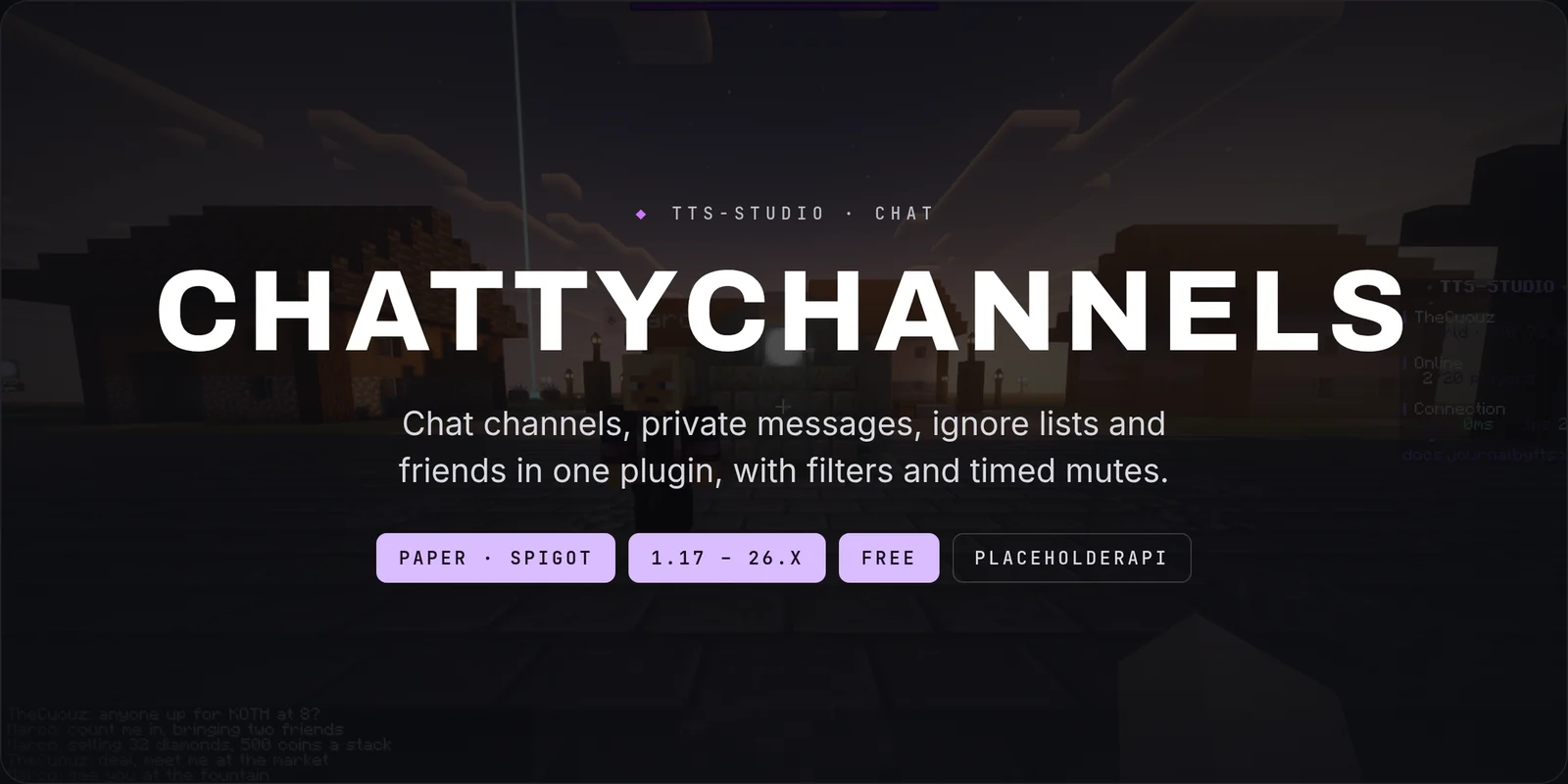
ChattyChannels is chat for Paper 1.21.x: as many channels as you want, each with its own prefix, format, range and permission — plus private messages, ignore lists and friends, so you are not installing four plugins to run one chat.

WHY CHATTYCHANNELS
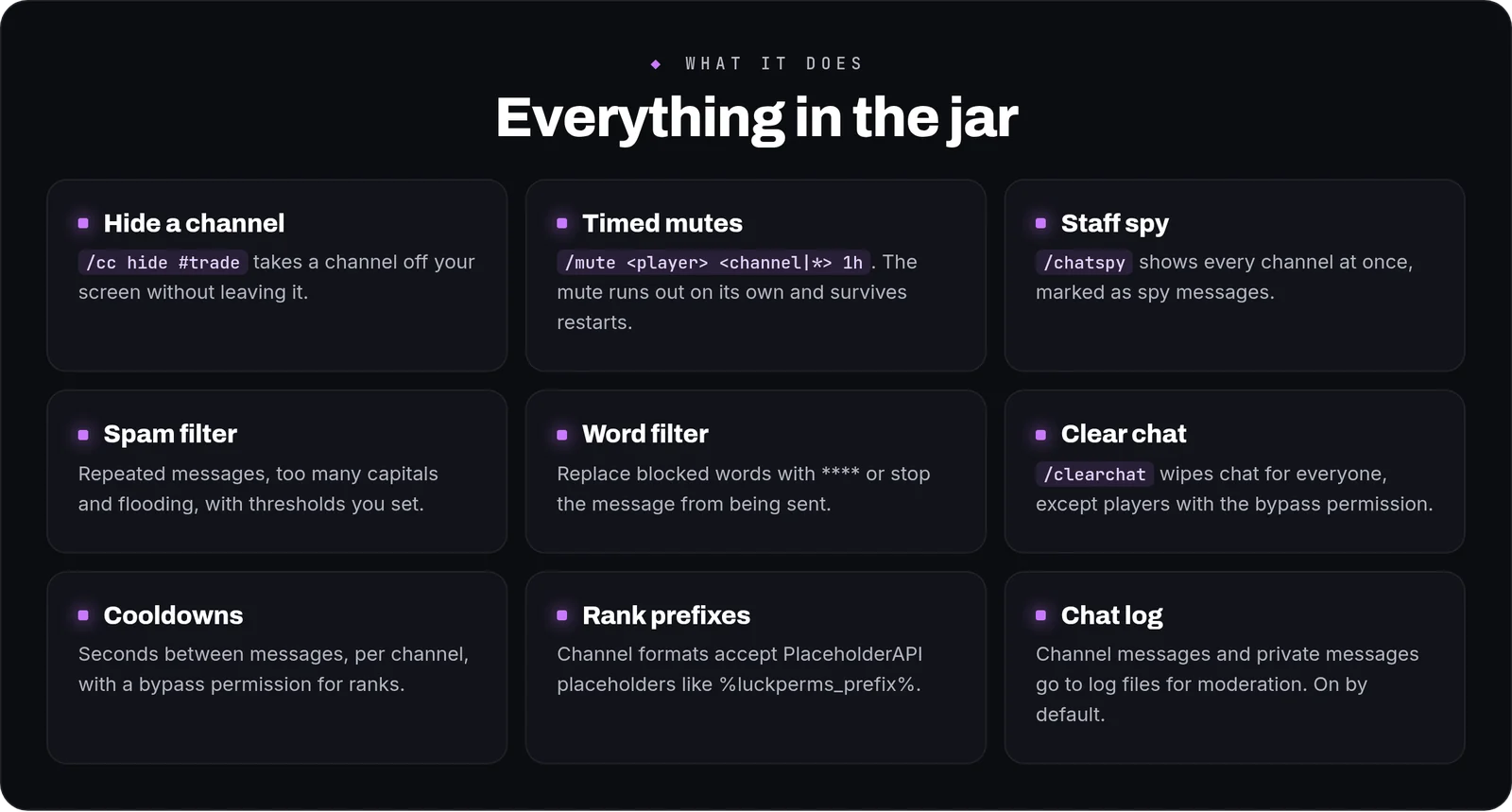
- Players curate their own feed. Anyone can hide a channel they are tired of without leaving it, so the trade channel stops driving away the people who only came to build
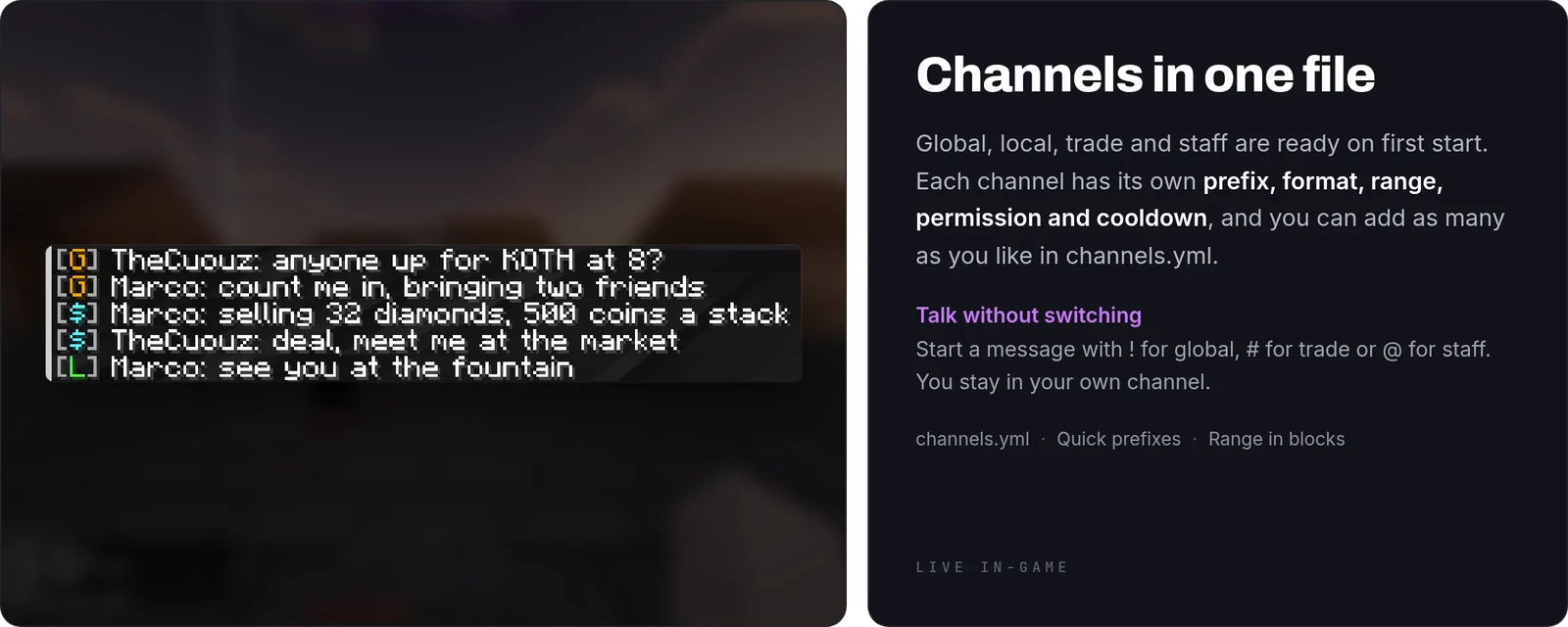
- You can speak into a channel without switching to it. A single character in front of the message sends it to global or to local and leaves you where you were. Nobody loses a sentence to the wrong channel again
- Range is a number, not a plugin. Server-wide, or a radius in blocks for local, roleplay or town chat. The same file does both
- Muting is per channel and expires on its own. Ten minutes in trade, two days everywhere, whatever the case needs — and it survives a restart so nobody waits it out by logging off
- Staff can read everything. One toggle shows every channel at once, marked as such, without joining any of them
- The filters are on your terms. Duplicates, caps and flooding with your own thresholds, and a word list that either censors or drops the message
WHAT YOU GET
- Channels in YAML — name, prefix, format, range, permission and cooldown, one block each
- Quick-prefix sending — one character sends to global or local without changing your active channel
- Per-channel range — server-wide or a block radius
- Per-channel permissions — generated for every channel you create, group-aware when LuckPerms is present
- Timed mutes — per player, optionally per channel, with a duration that expires on its own and survives restarts
- Hide a channel — each player decides what reaches their screen
- Staff spy — every channel in one view, clearly marked
- Spam filter — duplicate messages, shouting and flooding, with thresholds you set and a bypass permission
- Word filter — censor the word or drop the message, your choice
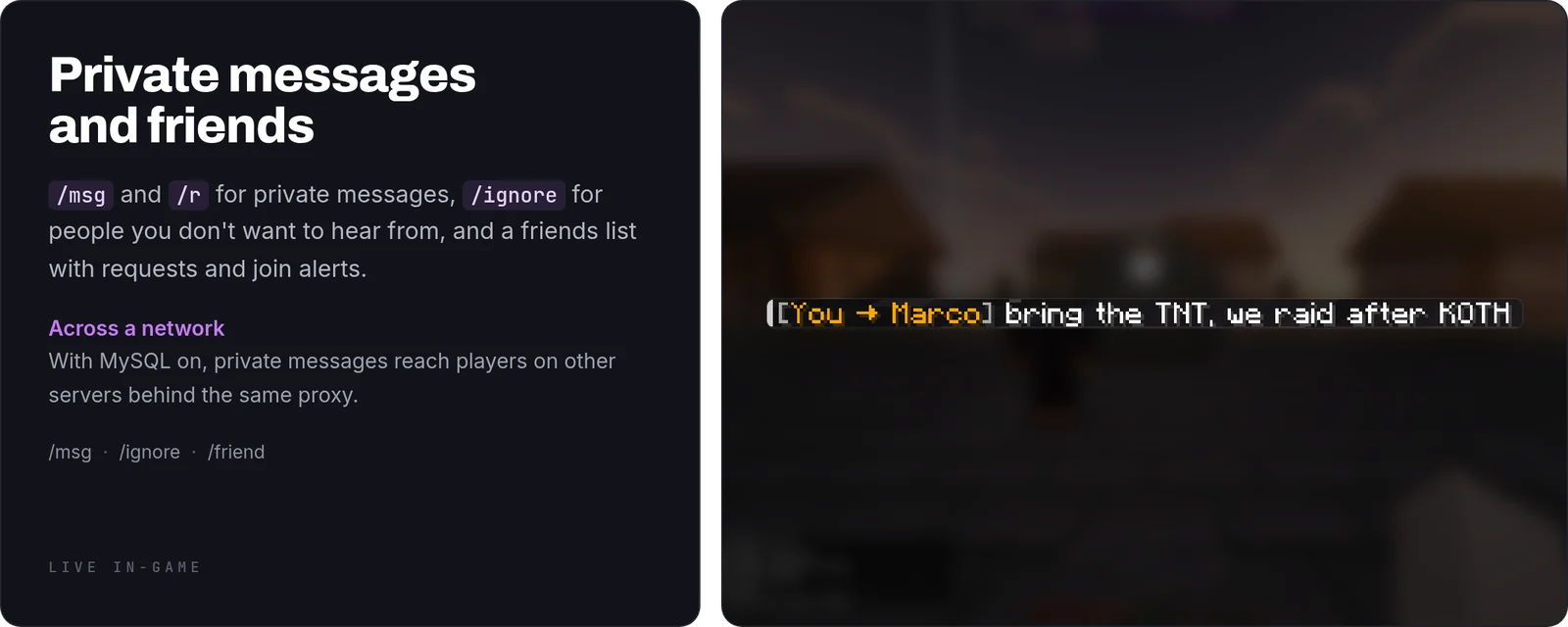
- Private messages — with a reply command, an ignore list and a friends list included
- Cooldowns per channel — with a bypass node for the ranks you choose
- PlaceholderAPI — active channel and friend data, for scoreboards, TAB or chat
- English and Spanish included, and every string a player reads lives in
messages.ymlin MiniMessage format
HOW IT WORKS IN PLAY
Your server has global, local, trade and a staff channel. A builder mutes trade for themselves and never sees it again. Somebody shouting in caps hits the filter and gets told, once. A player is spamming trade, so a moderator mutes them there for an hour — they can still talk everywhere else, and the mute lifts on its own. Meanwhile the moderator's spy view has all four channels in one place.
CONFIGURATION
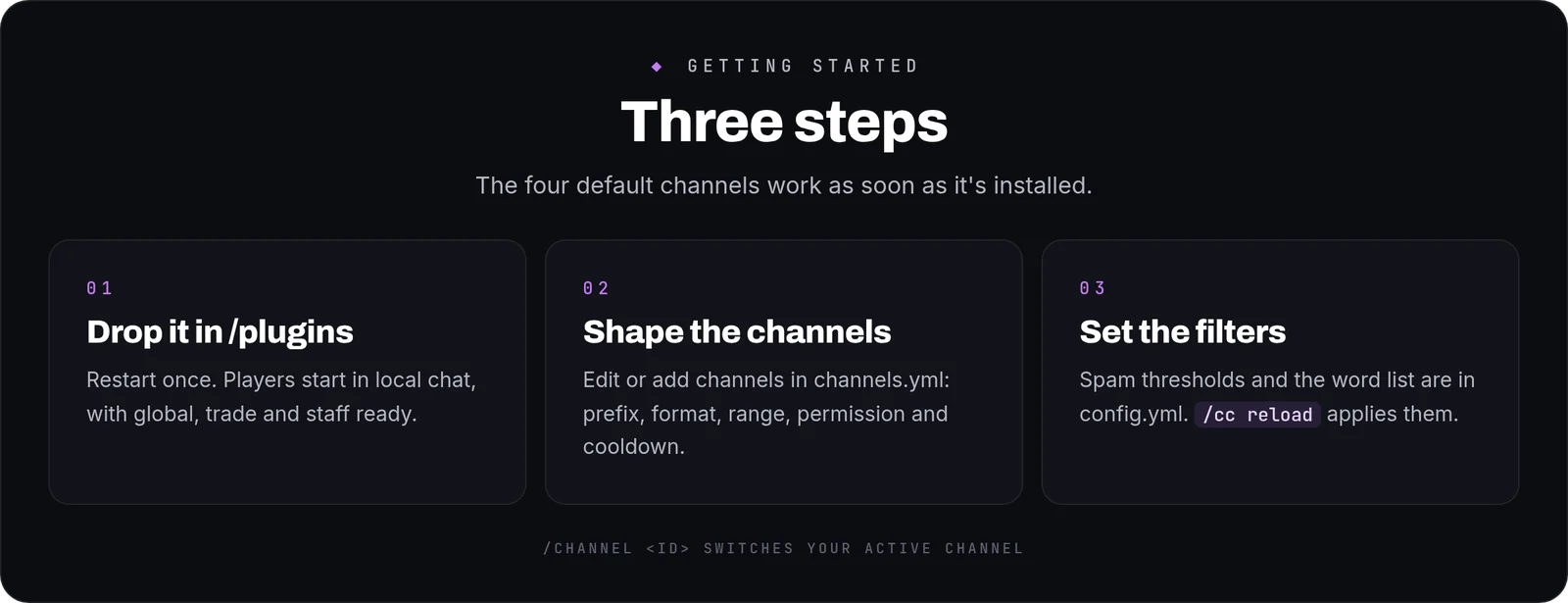
channels.yml— one block per channel: id, display prefix, message format, range, permission and cooldownconfig.yml— spam thresholds, the word list and its mode, private-message settings and which integrations are on, every key with a comment beside itmessages.yml— every string a player reads, so you can reword or re-colour the plugin without touching anything else
COMMANDS AND PERMISSIONS
/channel <id>·/cc hide #<channel>·/chatspy·/mute <player> [channel] [duration]/msg <player> <message>·/reply·/ignore <player>·/friend add|remove|listchatchannels.use.<channel>is generated per channel;chatchannels.mute,chatchannels.spyand the two bypass nodes are yours to hand out- Every node is declared in
plugin.yml, so your permissions plugin lists them all
Commands
| Command | What it does |
|---|---|
/channel | Switch your active chat channel |
/channels | List available chat channels |
/mute | Mute a player from a channel |
/unmute | Lift a player's mute |
/chatspy | Toggle chat spy mode |
/clearchat | Clear the visible chat for all players |
/cc | ChattyChannels admin and player commands |
/msg | Send a private message |
/reply | Reply to the last private message |
/ignore | Ignore or un-ignore a player |
/friend | Friends system |